
Press the button marked "T" or "TEST" on the safety switch, and it should flick to off straight away, usually with a clunk, cutting the power to its circuits. Test each safety switch every three months, and reset it once the test is done.
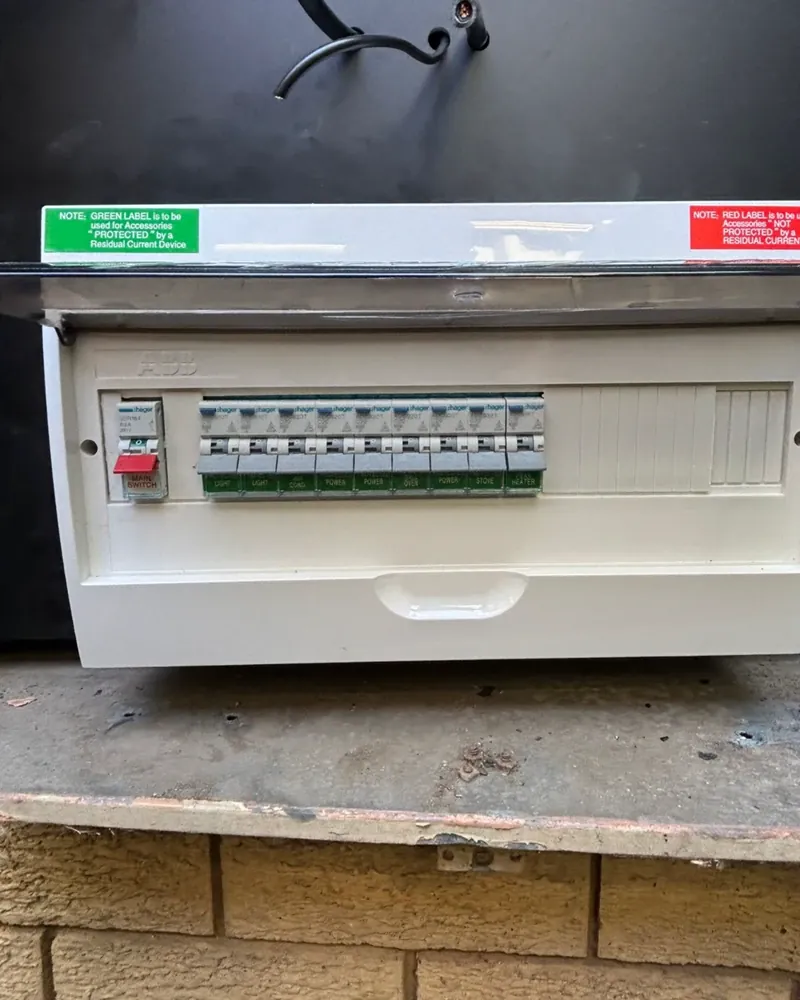
The five steps
Pressing the button and resetting the switch is all you should do yourself. Do not take the cover off the switchboard, and do not touch a board that is damaged, wet or scorched.
- Find the safety switches on your switchboard by looking for buttons marked "T" or "test", and remember that there may be more than one.
- Tell everyone in the house that the power is about to go off, so nobody loses work on a computer or gets caught in the dark.
- Press the test button firmly on one switch at a time, so that you learn which circuits each switch protects.
- Walk through the house and check which lights, power points and appliances have lost power.
- Reset the switch by lifting or twisting it back to on, and wait two to three minutes before turning a fridge or air conditioner back on.
What the result means
The test button shows whether the switch trips, and what happens next tells you the rest.
- The switch clunked to off and the power went off: the switch works and protects those circuits, so you can reset it.
- Nothing happened when you pressed the button: the switch has failed, so treat its circuits as unprotected and call a licensed electrician.
- The switch tripped but some lights or power points stayed on: those circuits are not protected by that switch, so ask an electrician about adding protection.
- The switch tripped and will not reset: there may be a fault on the circuit, so leave it off and call a licensed electrician.
The test button does not measure how fast the switch trips. An electrician uses an RCD tester to time each switch. Our page on RCBOs, RCDs and MCBs explains the devices on the board, and our safety switch installation service covers testing and replacement.